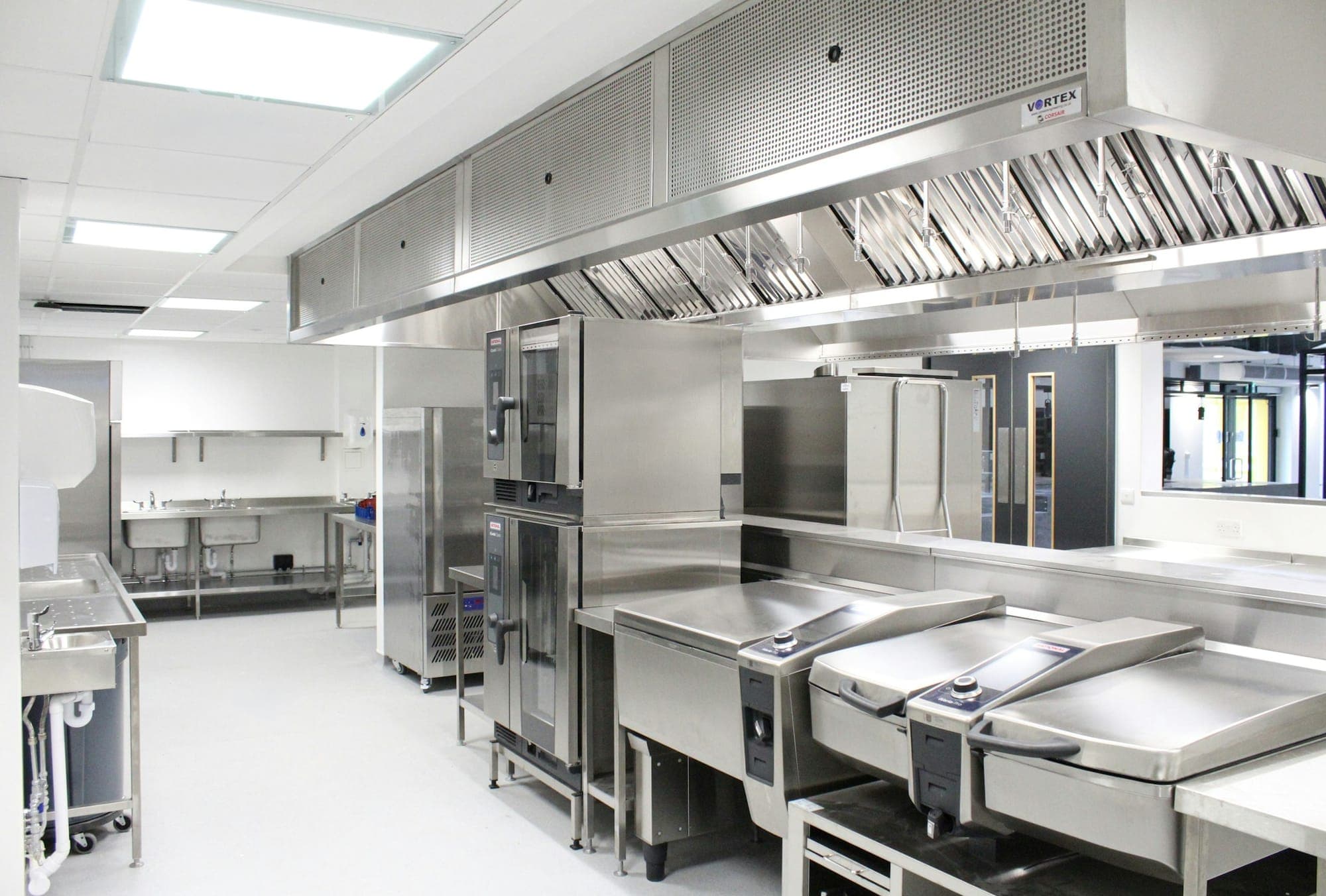
Lemon helps you organise the daily records that support your Safer Food, Better Business system. It records checks, notes and follow-up work, while your completed SFBB pack sets out the safe methods your kitchen follows. An app record does not replace checking food, supervising staff or completing the required diary confirmation.
Pick your food safety pack first
The FSA's SFBB pack provides safe methods and records for small catering businesses. Use the version and guidance appropriate to your operation. CookSafe is the Food Standards Scotland system for catering businesses, and Safe Catering is available for catering businesses in Northern Ireland.
If you are unsure which fits, start with our guide to SFBB, CookSafe, Safe Catering and MyHACCP. This article explains record-keeping in Lemon; it does not replace the official pack.
Which checks can you record in Lemon?
Use the checks already required by your kitchen's procedures as the starting point.
| In the kitchen | In Lemon |
|---|---|
| Opening and closing routines | Use a checklist and edit it to your routine |
| Fridge, freezer or hot‑hold checks | Log the reading in Temperature logs |
| Cooking, cooling or reheating checks | Use food records for the checks specified in your procedures |
| Goods arriving | Log the delivery, supplier, condition and temperature |
| Cleaning and extra checks | Use an existing checklist or create a custom one for the job |
| Dish allergen information | Enable the optional allergen matrix and maintain it against current recipes and supplier information |
Completed checklists show the person who finished them and the completion time. Answer each relevant item honestly. A completed screen is not evidence that an omitted check was carried out.
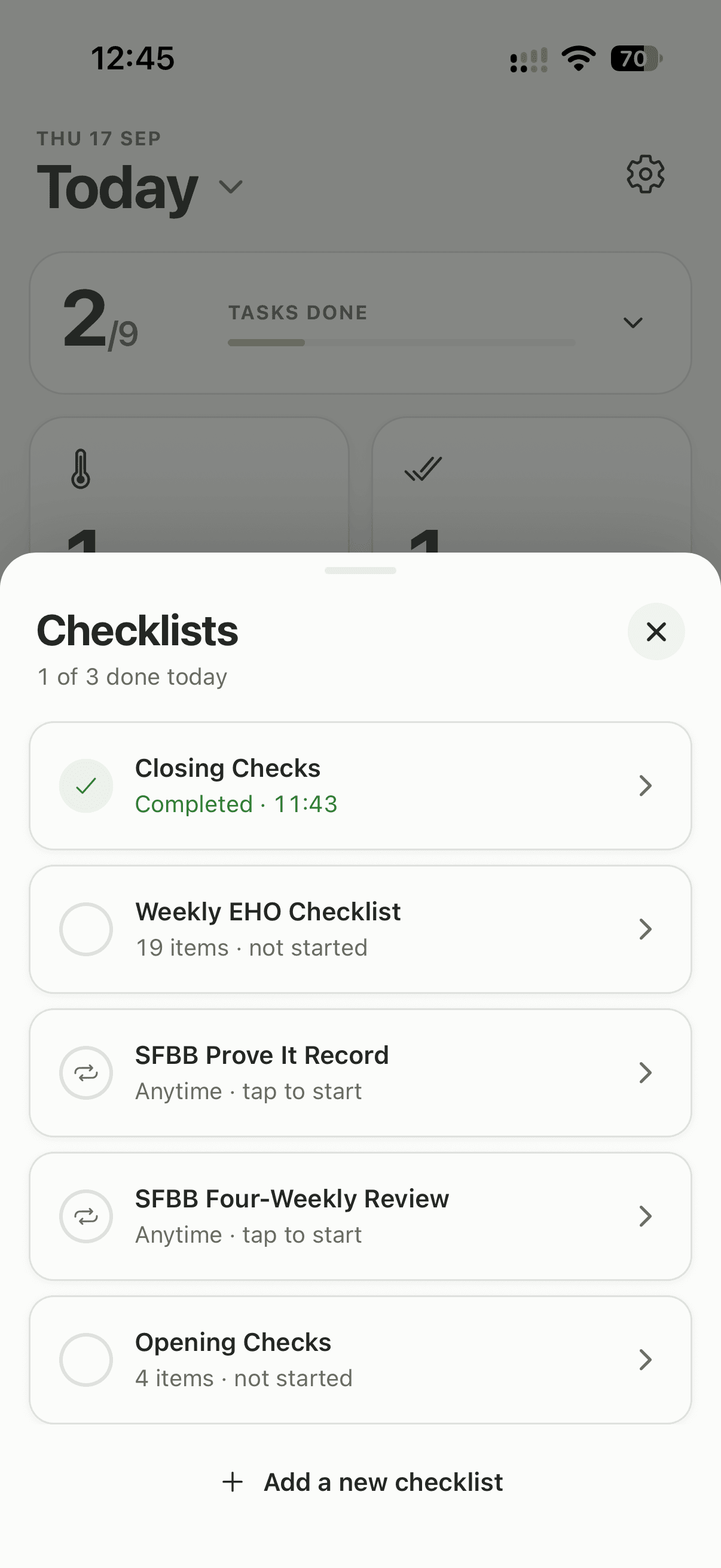
Choose the checklists your kitchen needs, then adapt each one to your routine.
See how Lemon checklists work.
Optional SFBB supporting templates
You can enable four supporting templates from Manage Checklists: SFBB Daily Diary, SFBB Four-Weekly Review, SFBB Staff Training Record and SFBB Prove It Record. They become editable copies for your location, so check their wording against your kitchen's procedures before use.
The Daily Diary repeats every day. The other three are Anytime, so start them when needed. The four-weekly review needs your own 28-day calendar reminder.
These templates are prompts, not the FSA pack. They have no signature field, anyone can complete them and they can be saved with blank answers. A manager still checks and signs.
How should you record a problem?
Record the actual finding and the action taken. Include enough detail for the next person to understand what still needs doing.
For a temperature issue, keep the reading with the explanation and follow-up in Lemon's issue record. For other checklist findings, add a note. For a longer record, use short-text questions in a custom checklist to capture the finding, the action, the responsible person and the review date.
For example, a useful cleaning note identifies the equipment, what was found, the clean carried out and who checked it afterwards. Do not use a tick to stand in for work that still needs completing.
Our HACCP corrective-action examples show how to make the record understandable.
Can you use Lemon for the four-weekly review?
Yes, you can use a custom checklist to record your review findings. Set it up from the current official review, rather than relying on a short generic list of kitchen checks.
- Create a checklist for the SFBB four-weekly review.
- Set the frequency to Anytime so you can start a review when it is due.
- Add the review questions from the current FSA form, with text fields for findings and actions.
- Set your own 28-day reminder. Lemon does not schedule four-weekly checklists (Monthly is a different interval).
- Review the previous period, record the findings and assign follow-up work. Enter the next review date before completing the checklist.
Do not leave an urgent problem until the review. Deal with it when it is found, then use the review to examine recurring issues and changes to your procedures.
The checklist records your answers and completion details. Keep any signed record required by your SFBB process separately.
What about the daily diary signature?
Keep the daily confirmation and signature required by your SFBB diary process. A checklist's recorder name and timestamp are not a handwritten signature or a complete replacement for the official diary declaration.
The person responsible for supervising the day's food safety should check that the records reflect what happened. Do not sign a day off before the relevant checks are finished, and do not invent missing checks later.
Use the current diary instructions in the FSA SFBB pack alongside your kitchen's procedure.
Staff training records or Lemon courses: what is the difference?
No. A record of workplace training explains who was trained, what was covered, when it happened and how their understanding or practical skills were checked. You can record those details in a suitable custom checklist.
That record does not, by itself, deliver a course or issue a qualification. Keep any certificates, supervision notes and further training requirements with the rest of your evidence.
Lemon also has assigned staff courses with completion certificates, included in your plan. Those are separate from the checklist above, and the certificates are not accredited or regulated qualifications. Owners and managers can share the team's Training records from the app as a CSV spreadsheet.
What should you keep alongside Lemon?
Keep your safe methods, cleaning instructions, supplier information and required signed diary records accessible. Keep the team's allergen information current as ingredients and dishes change.
When you need to review or share what your team has recorded, Lemon can export temperature logs, food checks, deliveries and completed checklists as a PDF. On the web, use the browser's print or Save as PDF option. See Lemon's reports.
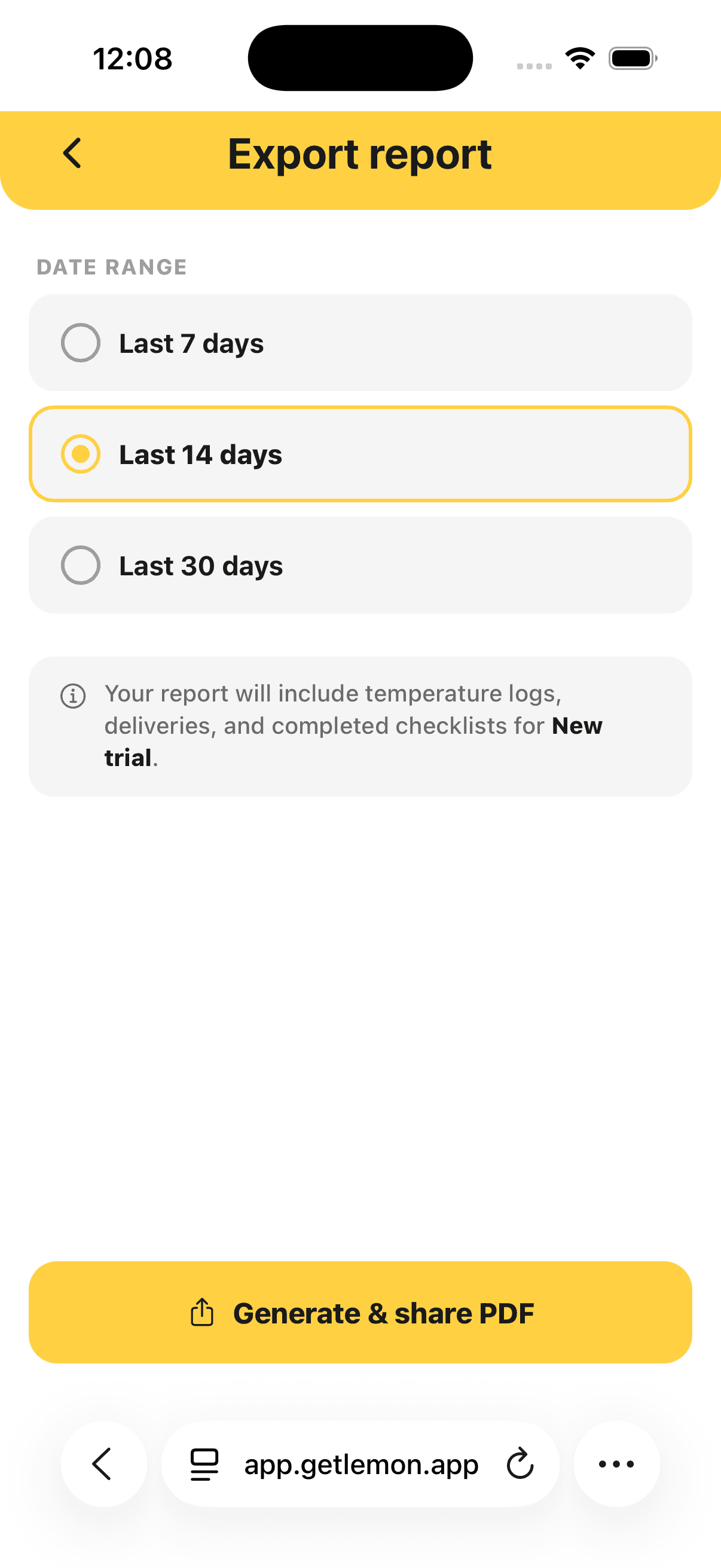
Export your Lemon records to keep alongside your completed SFBB pack.
Start with one routine
Choose one routine, such as opening checks. Match the checklist to your kitchen, show the team how to record it and review the first completed records together. Add further checks once that routine is working.