Offline food safety records.
Lemon saves temperature readings, food checks, deliveries and issue reports on the phone when there is no signal, and sends them when the connection returns, even if the app is closed in between. Checklists still need a connection, and so does signing in on a phone for the first time.
What can you record in Lemon with no signal?
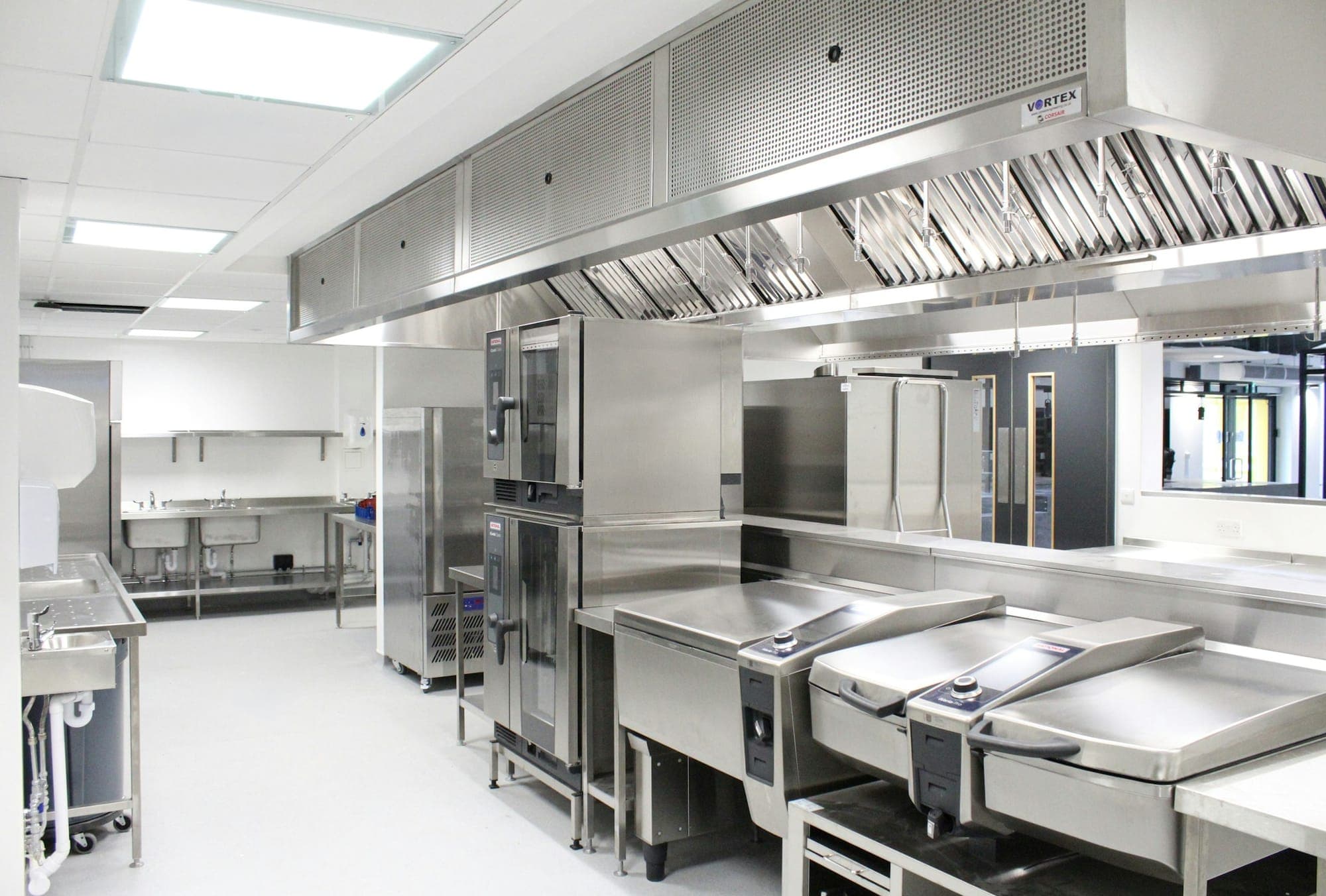
A walk-in in the basement, a marquee or a festival pitch often has no signal at the moment a check is due. The FSA asks that food safety records are kept up to date, so a reading belongs on record when it is taken, not when the phone next finds a signal.
In Lemon, the everyday records save on the phone and send later. A few things still need a connection. This is what each one does.
| Record or task | With no signal | In Lemon |
|---|---|---|
| Fridge and freezer readings | Saved on the phone and sent when the connection returns, even if the app is closed in between. | Temperature logs |
| Cook, cool, reheat and hot-hold checks | Saved on the phone the same way, with the target beside the reading. | Food checks |
| Deliveries and their photos | The delivery saves on the phone. Up to three photos, such as the delivery note, wait there with it and send after it. | Deliveries |
| Issue reports and their photos | What went wrong and what was done, photos included, saved on the phone and sent later. | Issue reports |
| Checklists | A checklist cannot be started without a connection. | Needs a connection |
| Signing in on a phone for the first time | Once a phone has signed in, it opens with no signal and records. | Needs a connection |
| Exporting the PDF report | With no signal, Lemon says so rather than build a report with records missing. | Needs a connection |
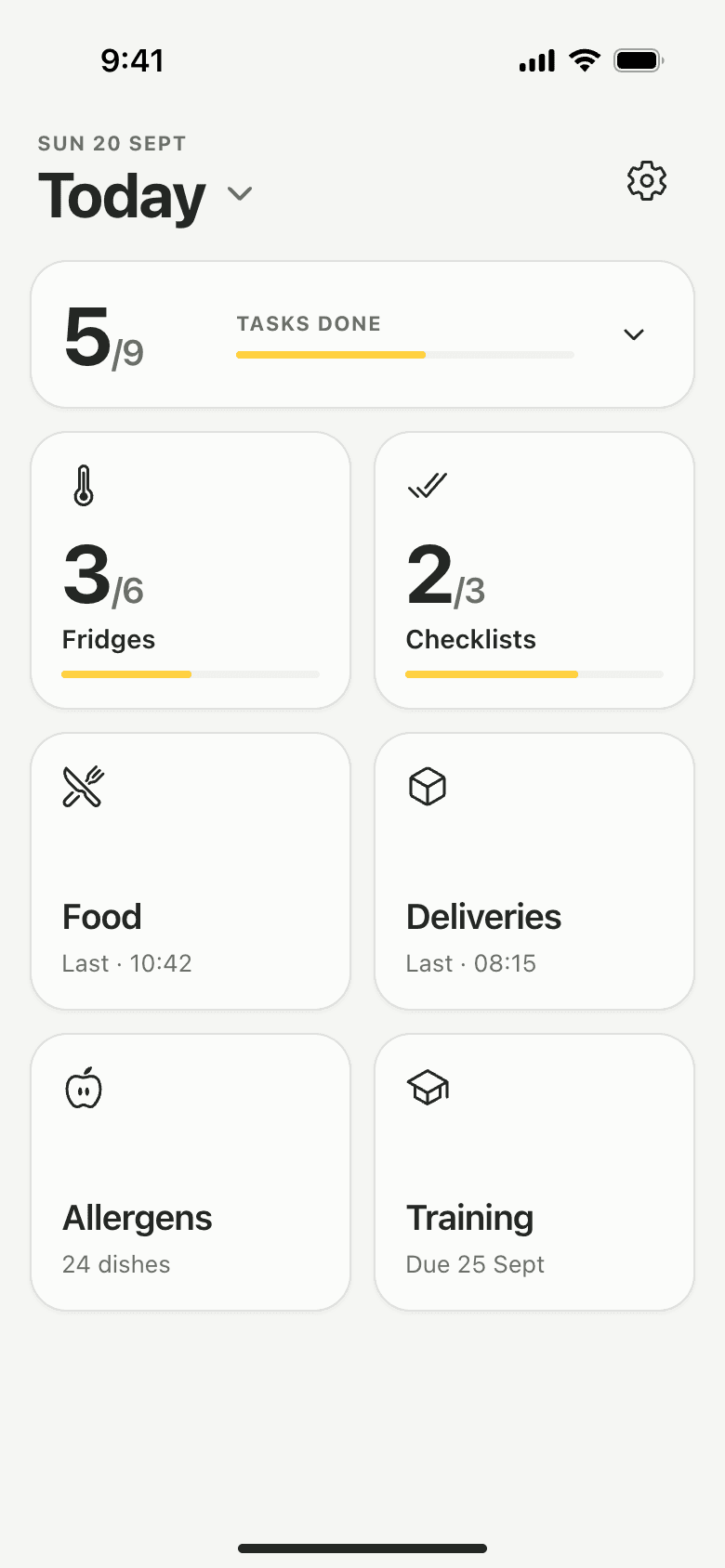
Saved on the phone first, sent when the signal is back.
Record a fridge round in a walk-in with no signal and the keypad says so: No connection. You can still save readings. Saving works as usual, and Home counts the round as done on this phone.
A row on Home shows what is waiting to send, and tapping it lists each record. If the app is closed or the phone restarts before the signal returns, the records stay on the phone and send the next time Lemon is open with a connection.
Recording fridge temperatures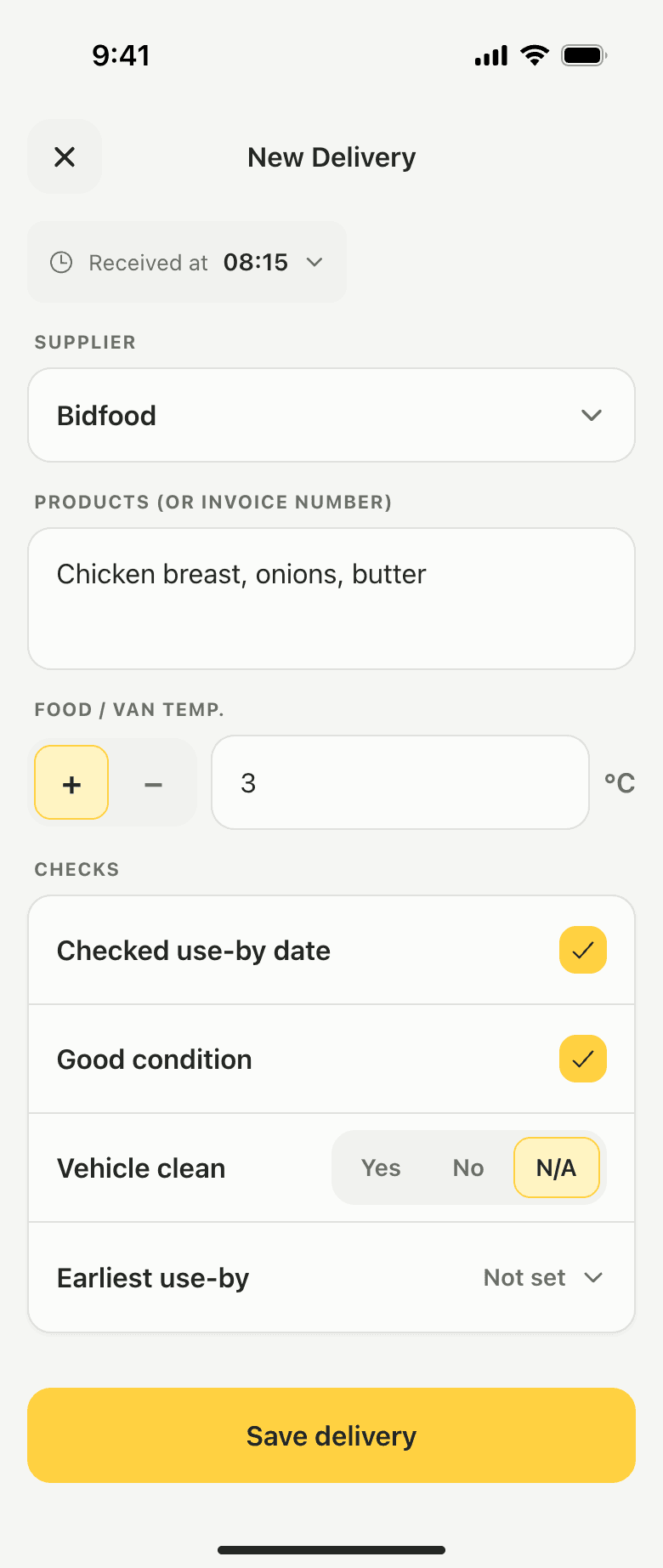
Delivery and issue photos wait with their record.
Photograph the delivery note at the back door, or a fridge display when something is wrong, and the photo is kept on the phone with the delivery or the issue report. Saving never waits for an upload.
Once the record has reached Lemon, its photos follow. A delivery's photos print in the PDF report under Photo Evidence, beside the issue photos.
How delivery records work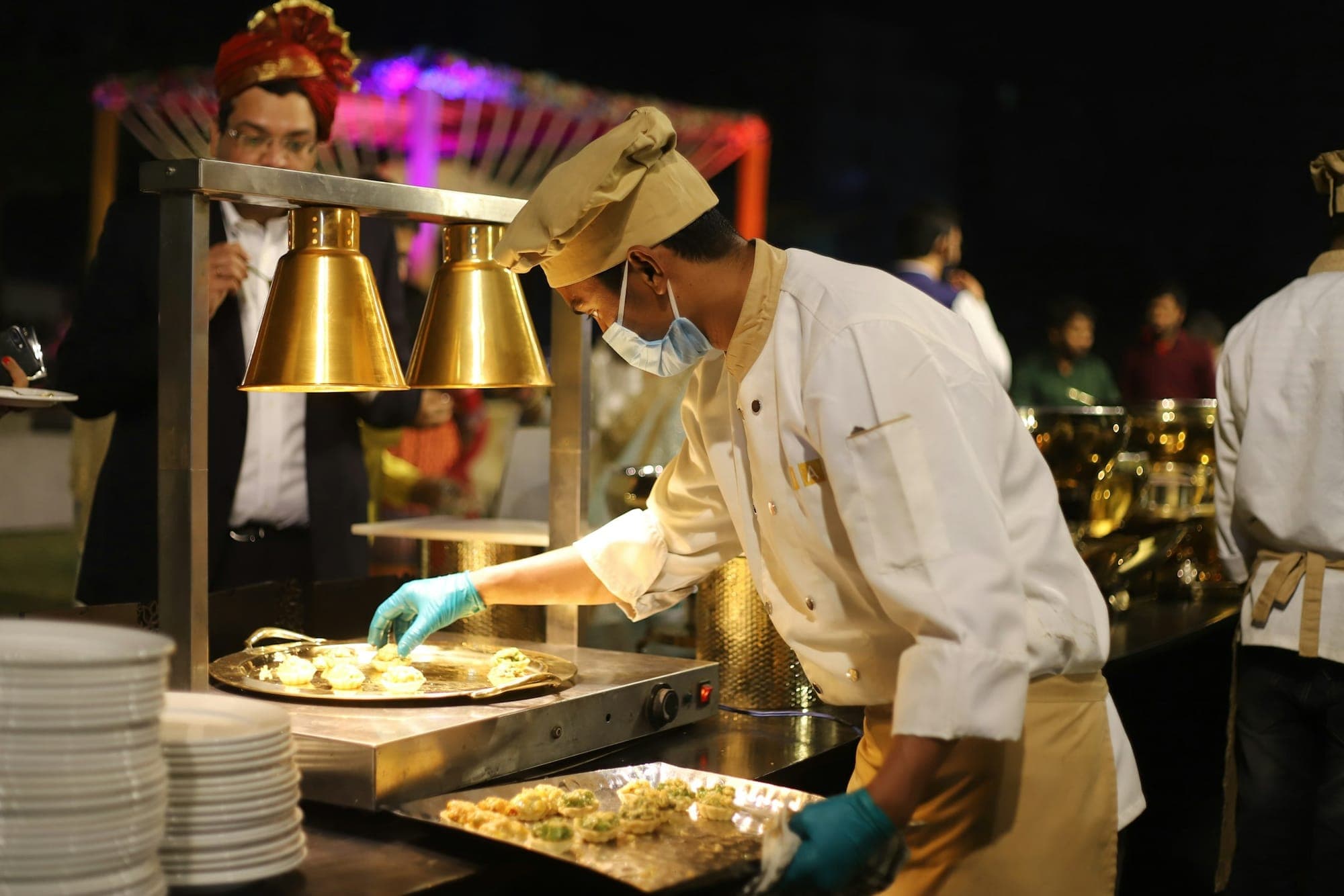
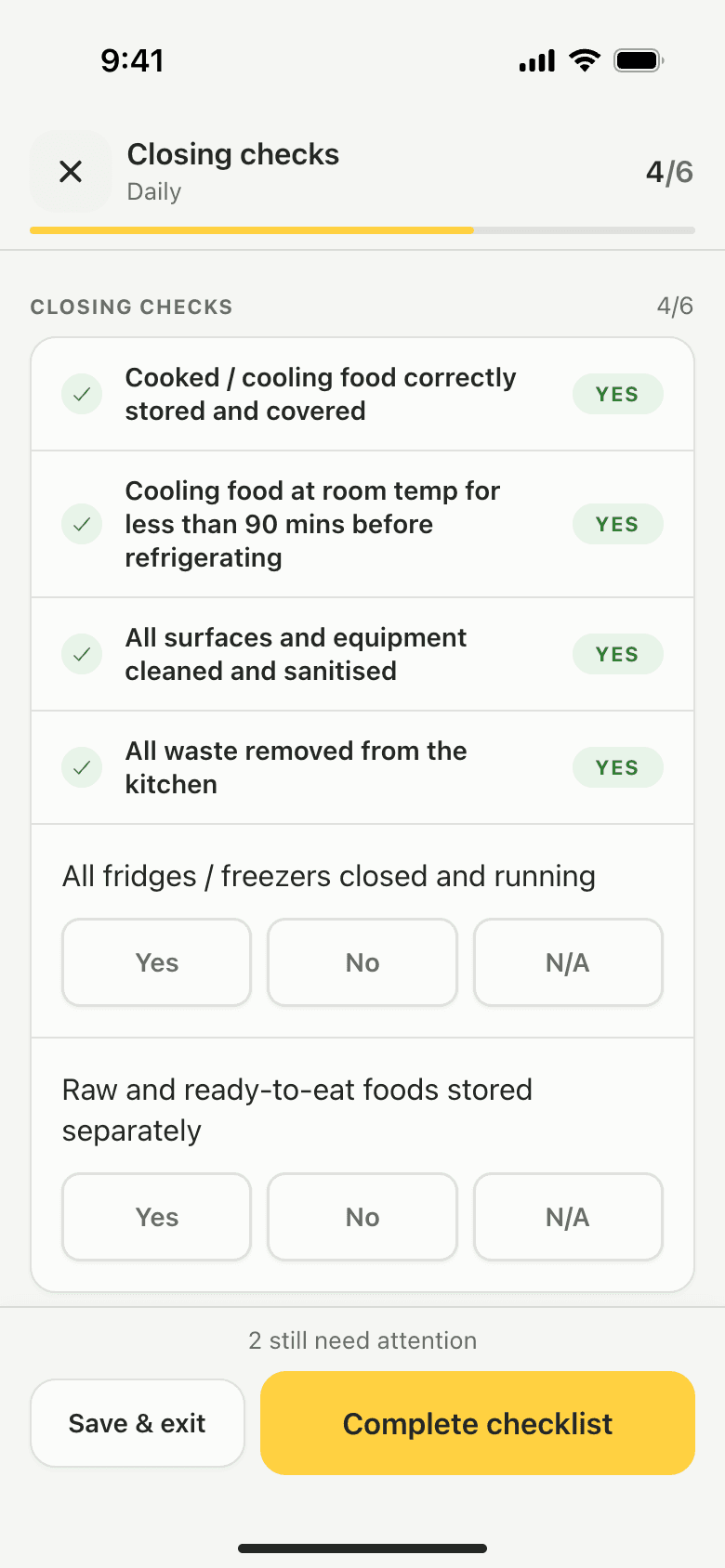
What still needs a connection.
A checklist cannot be started without signal, so run opening and closing checks where the phone has one. Signing in on a phone for the first time needs a connection too. After that, the phone opens with no signal and shows what is saved on it.
Looking back needs a connection as well: Records and the PDF report load from Lemon, and export says so when there is no signal. Records made on another phone appear once this one reconnects.
How checklists workExample day
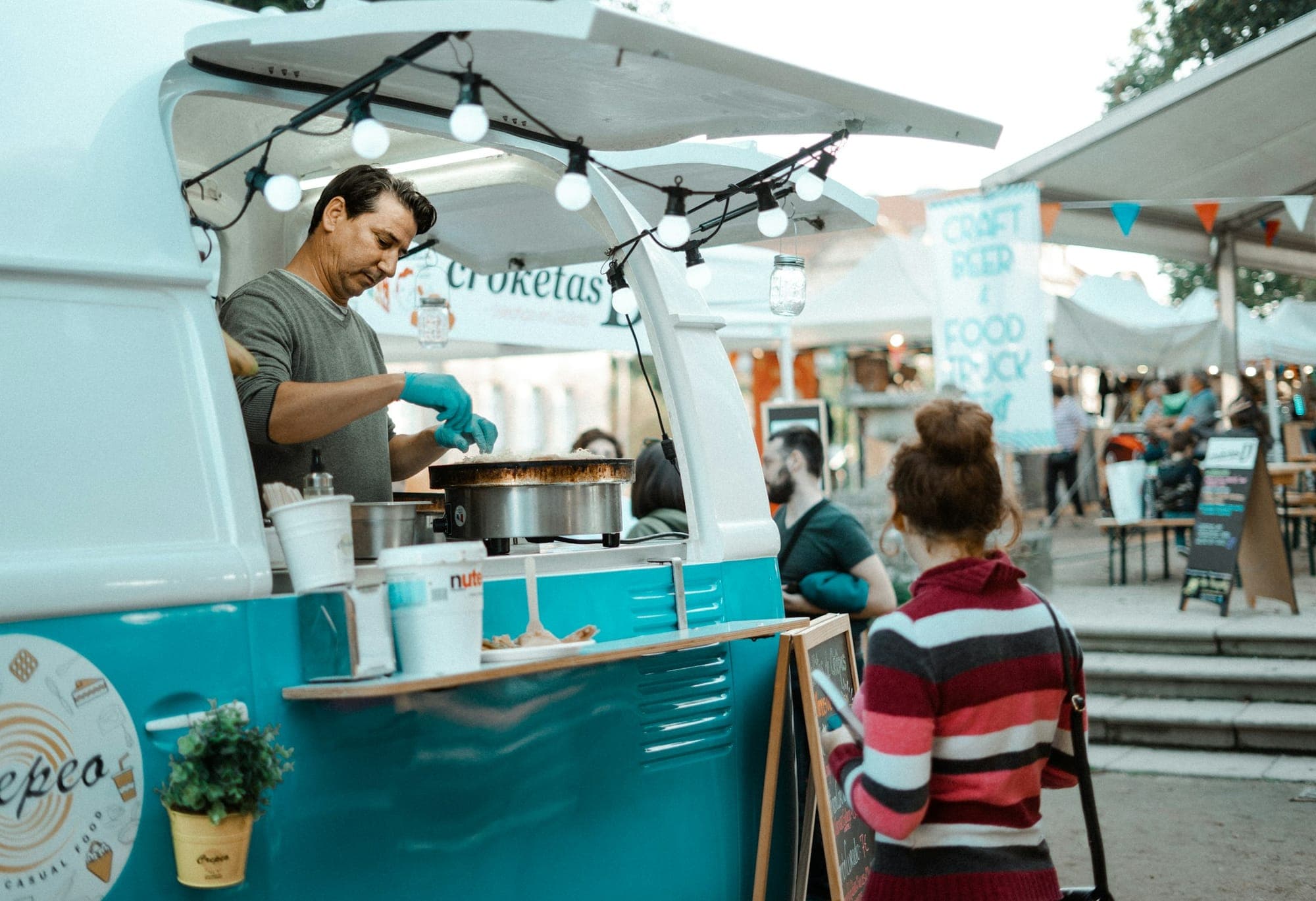
A Saturday on a festival pitch with no signal.
One day's records from a food truck in a field. Names and readings are made up.
- 07:00
Opening checks
Sam runs the opening checklist in the car park, where the phone still has a signal.
- 08:30
Morning round
On the pitch, Sam reads the two fridges and the freezer. The keypad shows No connection, and Save readings works as usual.
- 09:40
Goods in
The cash and carry run comes back at 4°C on the probe, use-by checked. Sam photographs the receipt and saves the delivery.
- 12:40
Hot-hold
The chilli in the bain-marie probes at 66°C, saved as a Hot-hold check.
- 15:20
Afternoon round
The dairy fridge reads 9°C. Saving opens Report an Issue, and Sam writes that the door was left open in the rush and the stock moved to the second fridge.
- 20:15
Back in signal
At the unit, Sam opens Lemon on the yard's Wi-Fi and the day's records send. The owner sees them on her phone.
On file by the evening
- The opening checklist, done where there was signal
- Morning and afternoon fridge rounds, each reading named
- One delivery with a photo of the receipt
- The hot-hold check through service
- The warm fridge, with what Sam did about it
Each record keeps the day it was made. Its time is when it reached Lemon.
See a sample reportWhat Lemon does not do with no signal.
- Checklists need a connection.A checklist cannot be started without signal. Run it where the phone has one.
- The first sign-in needs a connection.Once a phone has signed in, it opens with no signal and records.
- Looking back needs a connection.Records and the PDF report load from Lemon, so browse or export them where there is a signal.
- A record's time is when it reached Lemon.A record saved with no signal keeps the day it was made, and a fridge reading keeps its AM or PM round. The time on it is set by Lemon's server when it arrives.
- The team sees it once it is sent.Until then a record is only on the phone that made it. It sends when that phone has a connection with Lemon open.
Offline questions,
answered.
Something else on your mind?support@getlemon.app
Does Lemon work without signal?
Partly. Temperature readings, food checks, deliveries and issue reports, with their photos, save on the phone and send when the connection returns, even if the app is closed in between. Checklists need a connection, and so does signing in on a phone for the first time.
What happens if the app is closed before the records send?
They stay on the phone. Lemon keeps its copy of each record until Lemon's server has it, and sends what is left the next time the app is open with a connection. A row on Home shows what is still waiting.
Can I open Lemon with no signal?
Yes, on a phone that has signed in before. It opens, says there is no connection, shows what is saved on it and records. The first sign-in on a phone needs a connection.
Can I fill in a checklist with no signal?
No. A checklist cannot be started without a connection. Fridge readings, food checks, deliveries and issue reports are the records that save on the phone.
Do delivery photos need a signal?
No. Up to three photos per delivery wait on the phone with the delivery and send after it. Saving never waits for an upload, and the photos print in the PDF report under Photo Evidence.
Can I export a PDF report with no signal?
No. Export needs a connection, and with no signal Lemon says so rather than build a report with records missing.
Does a shared kitchen tablet record with no signal?
Yes, for the same records. The team's names stay on the tablet when it starts up with no connection, so each person still taps their name to save.
How much does Lemon cost?
Lemon is £19 per location per month, for the whole team, with staff training included. The first 14 days are free and need no card.
Something else on your mind?support@getlemon.app
Keep reading.
 Restaurant delivery checklist UK: what to accept, reject and recordWhat to check at the back door, and what to write down.
- How often should you check fridge temperatures?The daily minimum, and when a second check earns its place.
- Paper diary vs a digital food safety appWhat paper does well, where it falls down, and what changes on a phone.
Try it free
for 14 days.
Then £19 per location per month. Every fridge, every team member, staff training included.
No card needed.