Daily use
Food checks
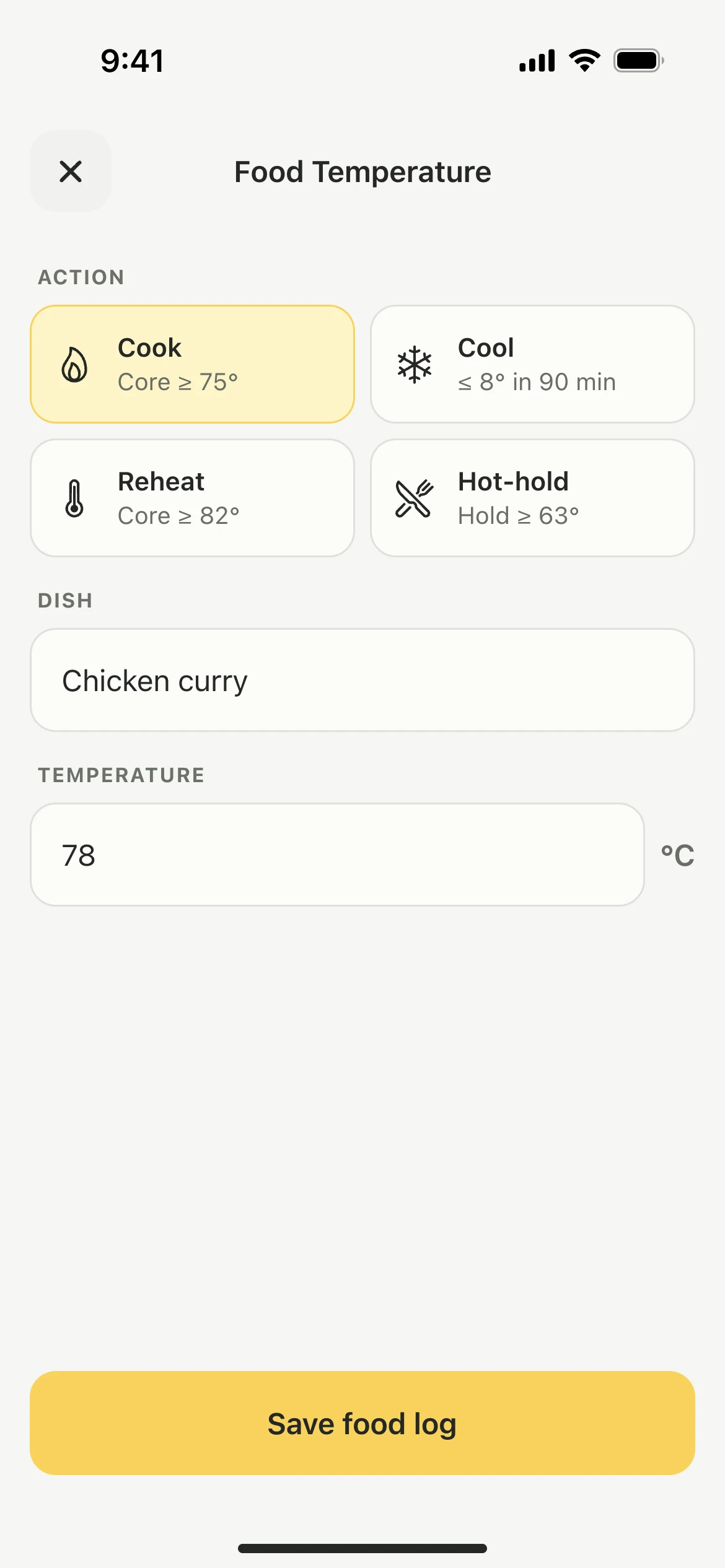
Record a probe reading when you cook, cool, reheat or hot hold a dish, with the target for each action printed on its button in the app.
Steps
- Tap the Food tile.
- Pick the action: Cook, Cool, Reheat or Hot-hold.
- Enter the Dish, such as Chicken curry.
- Enter the probe reading under Temperature.
- Tap Save food log.
The check is saved with the time and the name of the person who took the reading, and listed on the day it was recorded.
The targets
Each button carries its target, so nobody has to remember it:
- Cook: core at 75 degrees or above
- Cool: down to 8 degrees within 90 minutes
- Reheat: core at 82 degrees or above
- Hot-hold: 63 degrees or above
Good to know
- The Food tile is for probe checks on dishes. Fridge and freezer readings have their own round. See Fridge temperatures.
- The Food tile on Today shows the time of the last food check.
- Earlier food checks are listed under their day in the monthly overview. See Monthly overview.
Updated