Training
Take a course
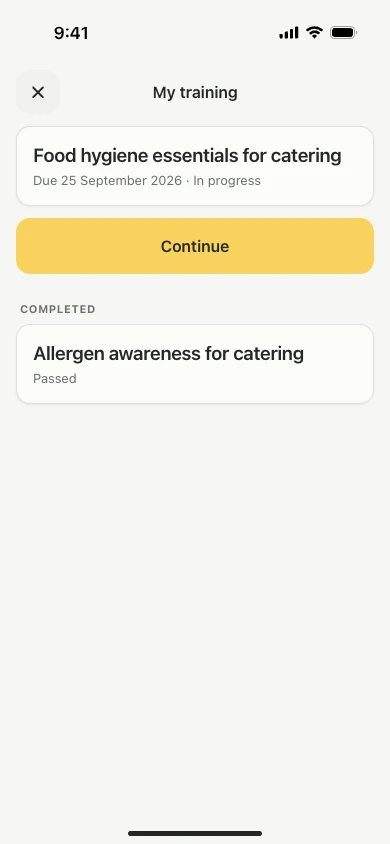
Staff take an assigned course in the Lemon app, under Training on the Today screen, through short lessons that end with an assessment.
Steps
- Open the Lemon app and check the right kitchen is selected.
- Tap Training on the Today screen.
- Tap Continue to open the course.
- Work through the lessons, one at a time.
- Tap Start the assessment once every lesson is done.
Passing the assessment produces a completion certificate, which you can share from the app with Share certificate.
Good to know
- Assigning a course does not send an email, so tell the person it is waiting for them. See Assign a course.
- Progress is saved as you go, so a course can be done in stages between shifts.
- Anyone who does not pass first time can try again. The assessment screen shows the pass mark and how many attempts are allowed.
- Owners and managers take their own courses the same way.
Updated