Your records
Export a report
Export your temperature readings, checklists, deliveries and corrective actions as one PDF report, then share it straight from your phone.
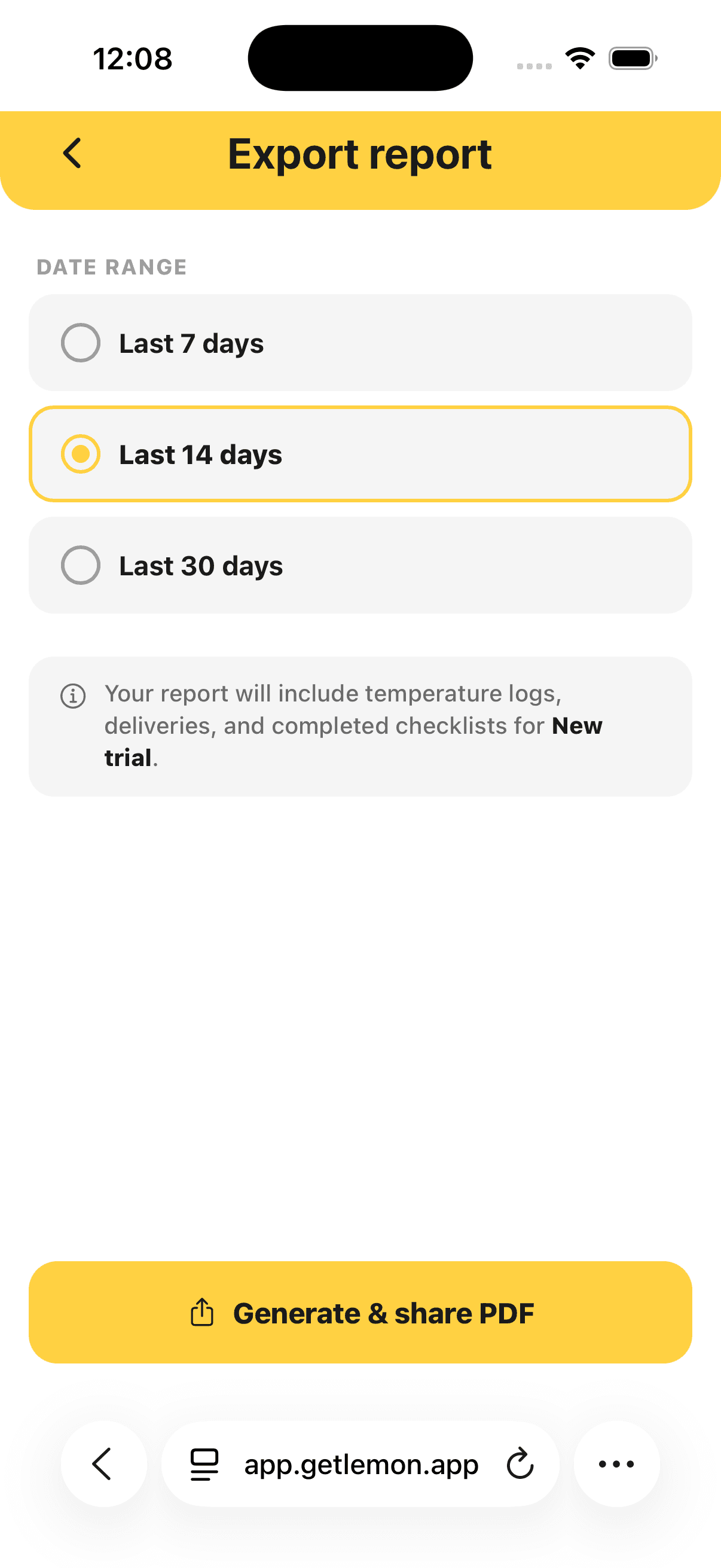
Steps
- Open Settings, then Export PDF Report.
- Pick Last 7 days, Last 14 days, Last 30 days, All time, or a Date range of months.
- Tap Generate & share PDF.
Lemon makes the PDF for the kitchen you are in and opens your phone's share sheet.
What the report contains
- Every temperature reading, with who recorded it and when
- Out of range readings, called out on their own
- The full timeline of each corrective action
- Deliveries
- Completed checklists
- Your allergen matrix, when the feature is on
Good to know
- The PDF goes through your phone's share sheet, so you can email it, AirDrop it, or save it to your files while the inspector waits.
- Kitchen records export as a PDF only. Training records have their own export in the web admin. See Check training progress.
- While the allergen matrix is on, it is added to the end of the report. See Allergen matrix.
- Anyone on the team can export, staff included. To export another kitchen, switch to it first. See More than one kitchen.
Updated