Digital food safety records.
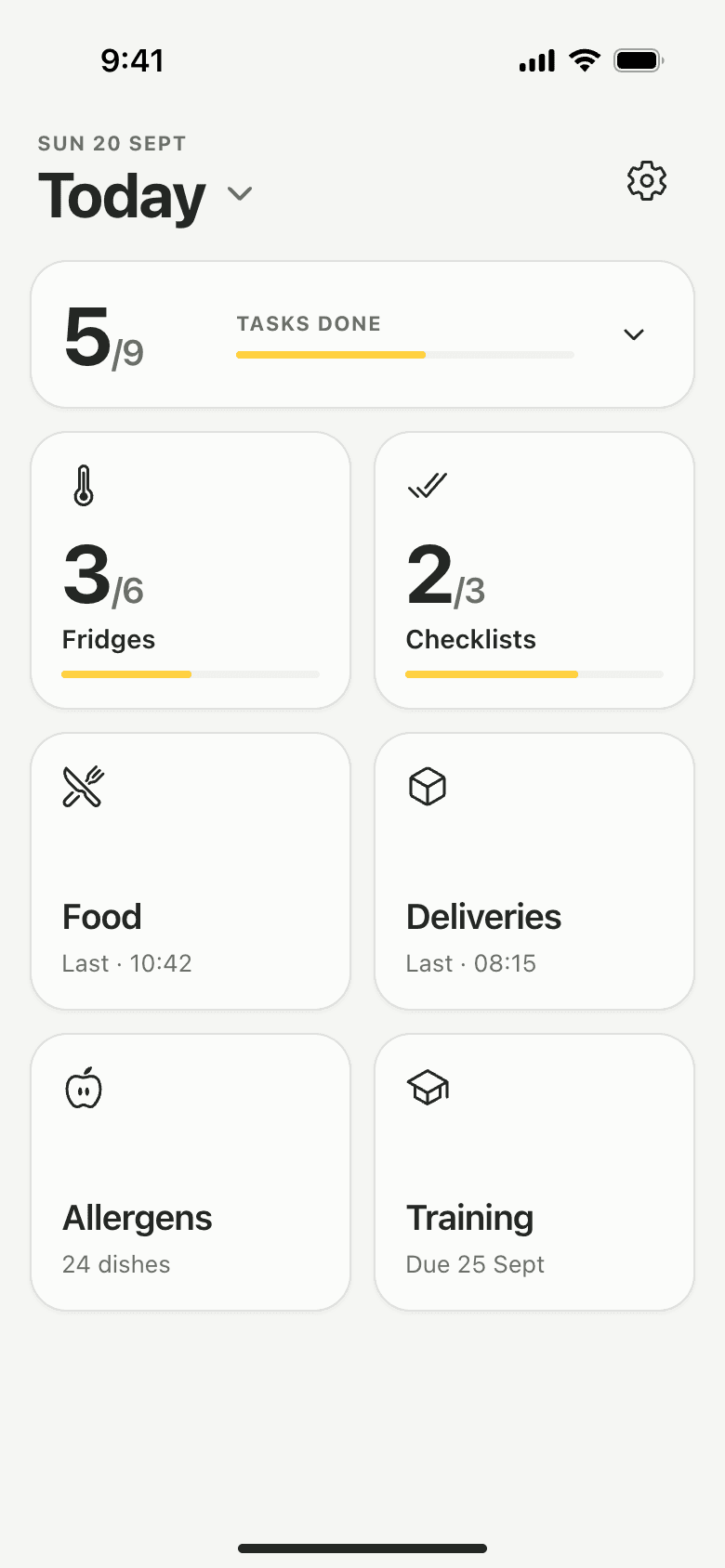
Lemon keeps a kitchen's food safety records on the team's phones: temperatures, probe checks, deliveries, checklists and what was done when something went wrong. Each one carries a name and a time, and none can be changed once saved.
Can a UK kitchen keep its food safety records digitally?
The FSA's guidance on Safer Food, Better Business says completed diary pages can be kept electronically or with printed copies. The law asks for documents and records that suit the nature and size of the business, and the FSA asks that they are up to date and available for inspection at all times. Neither says they must be kept on paper.
These are the records a kitchen usually keeps, and where each one lives in Lemon. Your own pack or plan decides which apply to you.
| Record | What it shows | In Lemon |
|---|---|---|
| Fridge and freezer readings | Each unit stayed inside its range, morning and afternoon. | Temperature logs |
| Cook, cool, reheat and hot-hold checks | The core temperature of a dish at each step, and who took it. | Food checks |
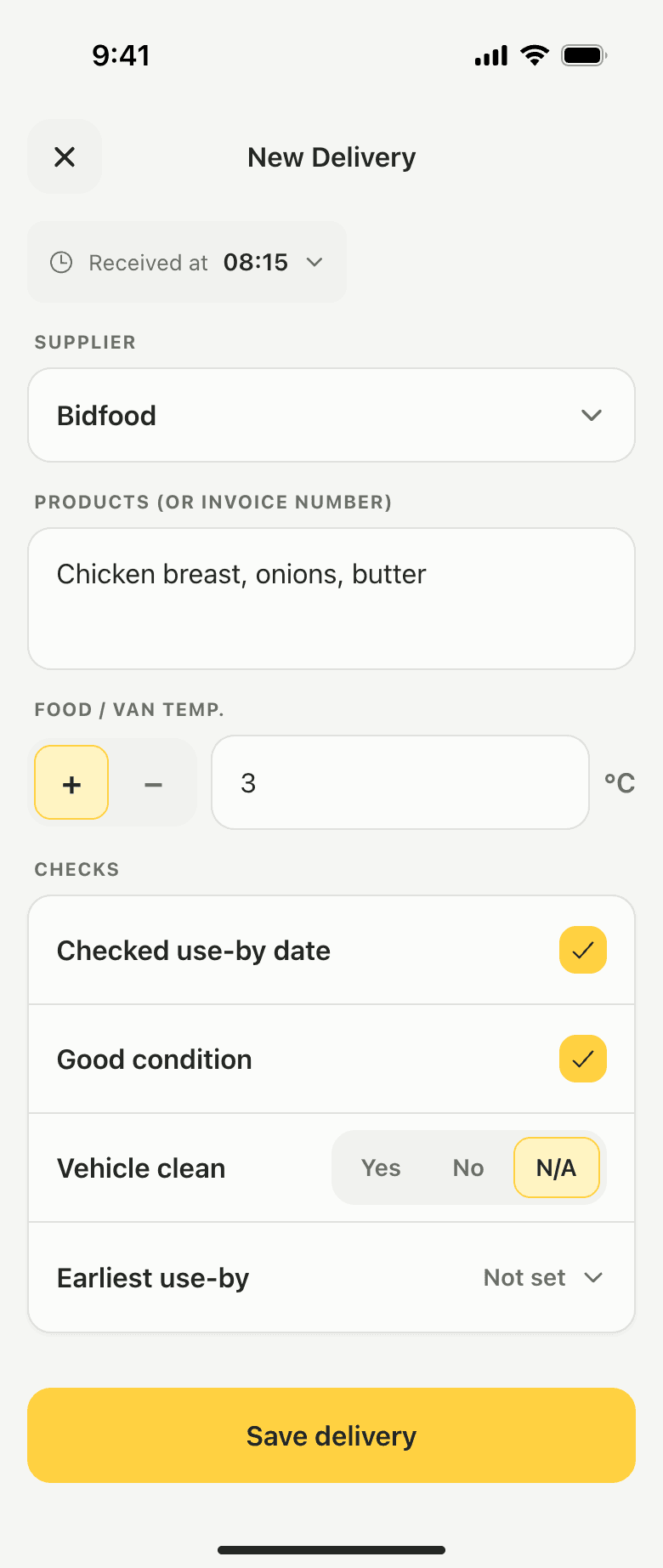
| Deliveries | Supplier, products, arrival temperature, use-by and condition. | Deliveries |
| Opening, closing and cleaning | Each line answered Yes, No or N/A, with a note for every No. | Checklists |
| Corrective actions | What went wrong and what was done, kept with the reading that caused it. | Issue reports |
| Probe calibration | Each probe checked in iced and boiling water, and whether it passed. | Probe checks |
| Closed days | The days the kitchen was shut, so they do not look like missed checks. | Pause Recordings |
| Staff training | Who took which course, when they passed, and their certificate. | Staff training |
| Allergen information | Which of the 14 allergens each dish contains or may contain. | Allergen matrix |
A name and a server time on every record.
Everyone can have their own login at no extra cost, and a kitchen that shares one tablet adds the team's names so each person taps theirs to save. Either way, each reading, delivery and finished checklist says who made it. The time is set by Lemon's server, not by the phone's clock.
Once saved, a temperature reading, food check, delivery or completed checklist cannot be edited or deleted. There is no edit button, so the record reads the way it was made.
Who can do what in Lemon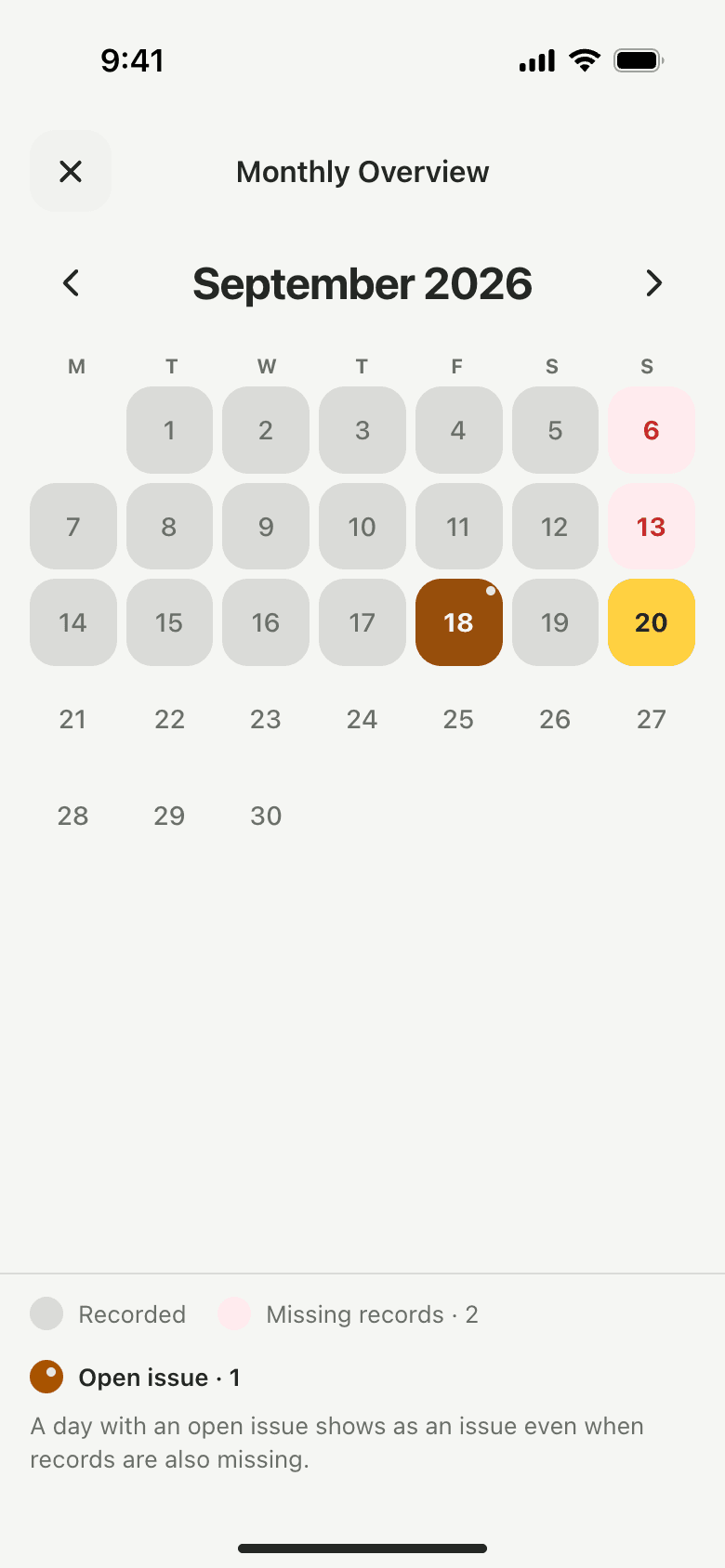
Missed checks and closed days, shown as what they are.
The monthly overview marks every day as recorded, missing records, open issue or closed. A day set as closed in Pause Recordings shows as closed, not as a gap.
A morning reading that was missed can be added from the next day. The PDF marks it Backfilled, with the date it was really entered.
How the monthly overview works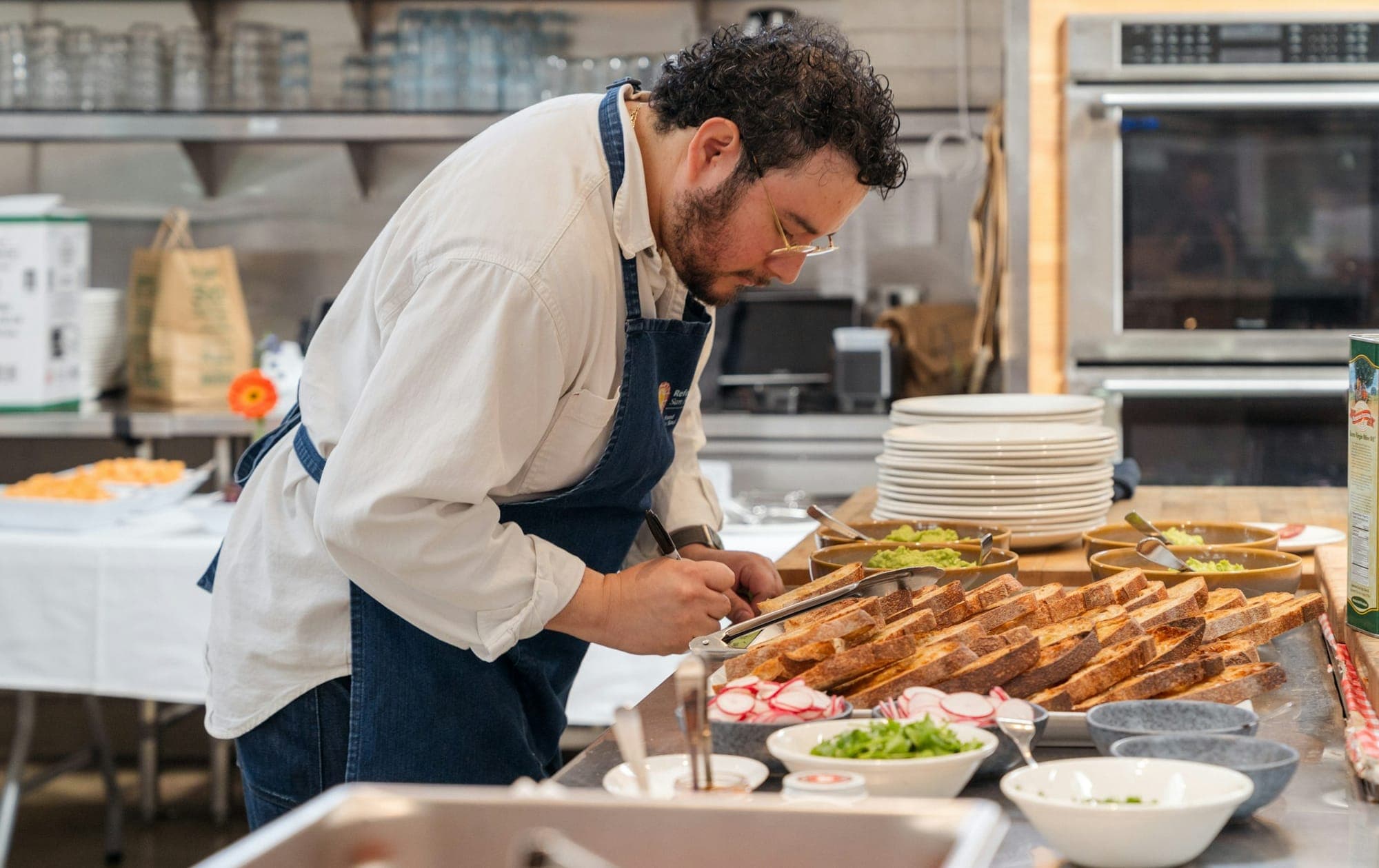
Any range of dates, as one PDF.
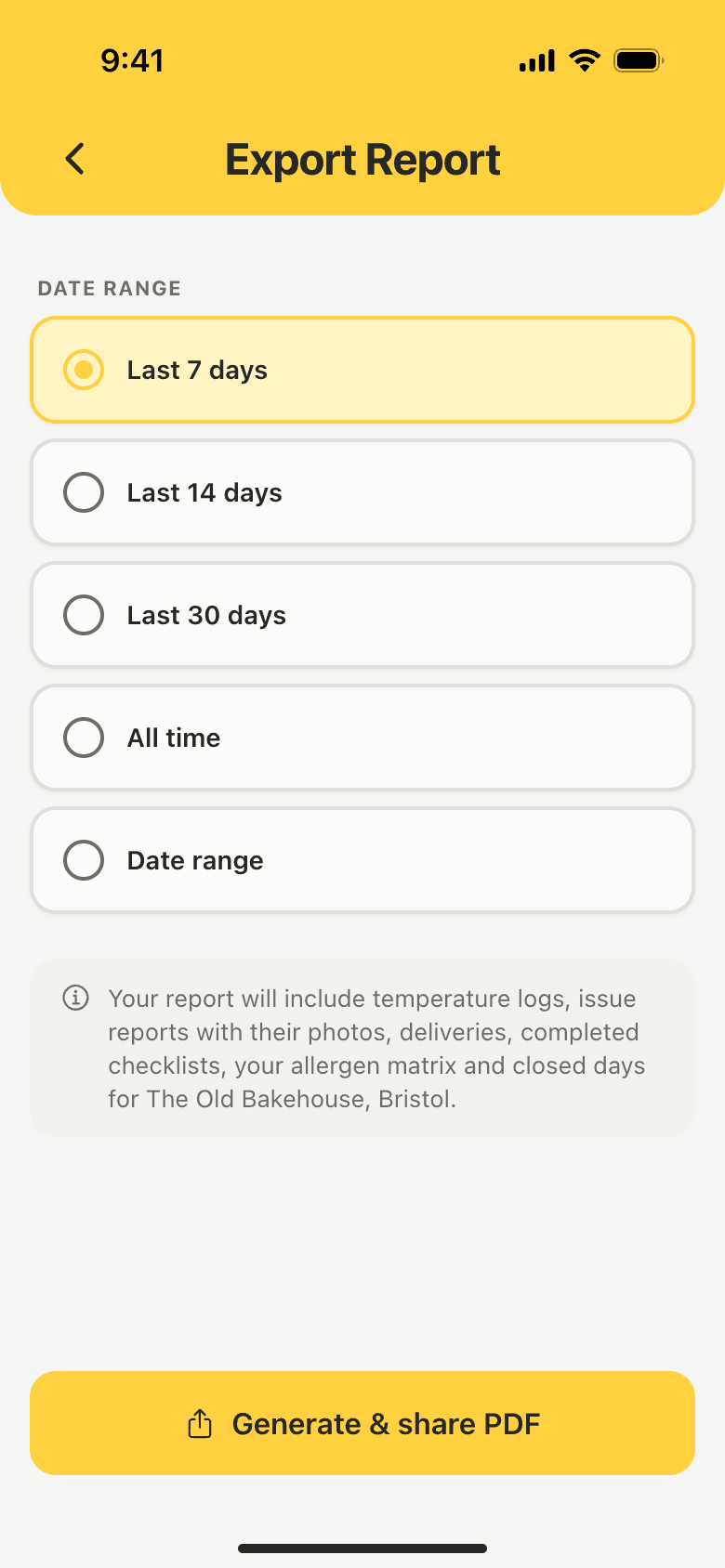
Pick the last 7, 14 or 30 days or your own dates. The PDF holds readings, food checks, deliveries, completed checklists, issues and their follow-up, probe checks, missed checks and closed days.
It opens in the phone's share sheet, so it can be printed, emailed or saved. Food safety records export as PDF only; training records are the one spreadsheet.
Reports and exportsExample
Finding one batch, three weeks later.
How a single day can be traced back from the records alone. Names and readings are made up.
- Day 1, 08:40
Goods in
Chicken thighs from the usual supplier, 3°C on the probe, use-by checked, good condition. Saved under Dev's name.
- Day 1, 12:15
Cook
Dev probes the thickest piece at 77°C and saves a Cook check.
- Day 1, 13:40
Cool
What is left goes into shallow trays and is probed at 6°C, saved as a Cool check.
- Day 22, 10:00
A question about that day
The owner taps Today, picks day 1 on the calendar and sees every record from it, each with a name and a time.
- Day 22, 10:05
The PDF
She exports that week as one PDF and emails it from her phone.
What the records show
- The delivery the chicken came in on, with its reading
- The cook and cool checks, with who probed them
- The fridge rounds either side, named and timed
- Nothing edited since the day it was saved
Anyone on the team can export a PDF. It needs a connection.
See a sample reportWhat a digital record does not do.
- It does not do the check.Lemon shows a missed reading as missed. Someone still has to open the fridge and read it.
- It does not decide what you keep.Your food safety pack or HACCP plan sets which records apply to your kitchen.
- It does not export spreadsheets of food safety records.Those are PDF only. Training records are the one spreadsheet.
- It does not log readings by itself.There are no wireless sensors. Someone probes the food or reads the display and types the number.
- It does not turn old paper into data on its own.Keep your paper originals. The paper records page explains how to send them to us to type in.
Digital records questions,
answered.
Something else on your mind?support@getlemon.app
Are digital food safety records allowed in the UK?
The FSA's SFBB guidance says completed diary pages can be kept electronically or with printed copies. Its guide to managing food safety asks that records are kept up to date and available for inspection at all times. Lemon keeps them on the team's phones and shares them as a PDF.
What food safety records does a UK kitchen have to keep?
GOV.UK's guide puts it as records of your food safety system, your checks and how you put things right. In a kitchen that usually means temperatures, cooking and cooling checks, deliveries, cleaning, problems and what was done, and training. Your pack or plan says which apply to you.
Can a digital record be changed after it is saved?
Not in Lemon. Temperature readings, food checks, deliveries and completed checklists cannot be edited or deleted once saved, and each one keeps the name of the person who made it.
How do I show digital records at an inspection?
Open the calendar on any phone to show a single day, or export a date range as one PDF to print or share. The PDF shows missed checks and closed days as well as the records themselves.
What happens to our old paper records?
Keep the originals. If you would like them in Lemon as well, send photos or scans through the paper records page and the team types them in. Reports show when they were entered.
Do digital records need a signal?
Temperature readings, food checks, deliveries and issue reports are saved on the phone first and sent when the connection returns. Checklists need a connection, and so does signing in on a phone for the first time.
Something else on your mind?support@getlemon.app
Keep reading.
 Paper diary vs a digital food safety appWhat paper does well, where it falls down, and what changes on a phone.
- Food safety records for UK restaurants: a practical checklistEvery record a restaurant keeps, and how long to keep it.
- What an EHO actually looks for in a 2026 restaurant inspectionThe three things an inspector scores, and where records fit.
Try it free
for 14 days.
Then £19 per location per month. Every fridge, every team member, staff training included.
No card needed.