Your records
Pause Recordings
Mark the days your kitchen is closed, every week or for a holiday, so the calendar and your report show them as closed rather than as missing records.
Updated
Steps
- Open Settings and tap Pause Recordings.
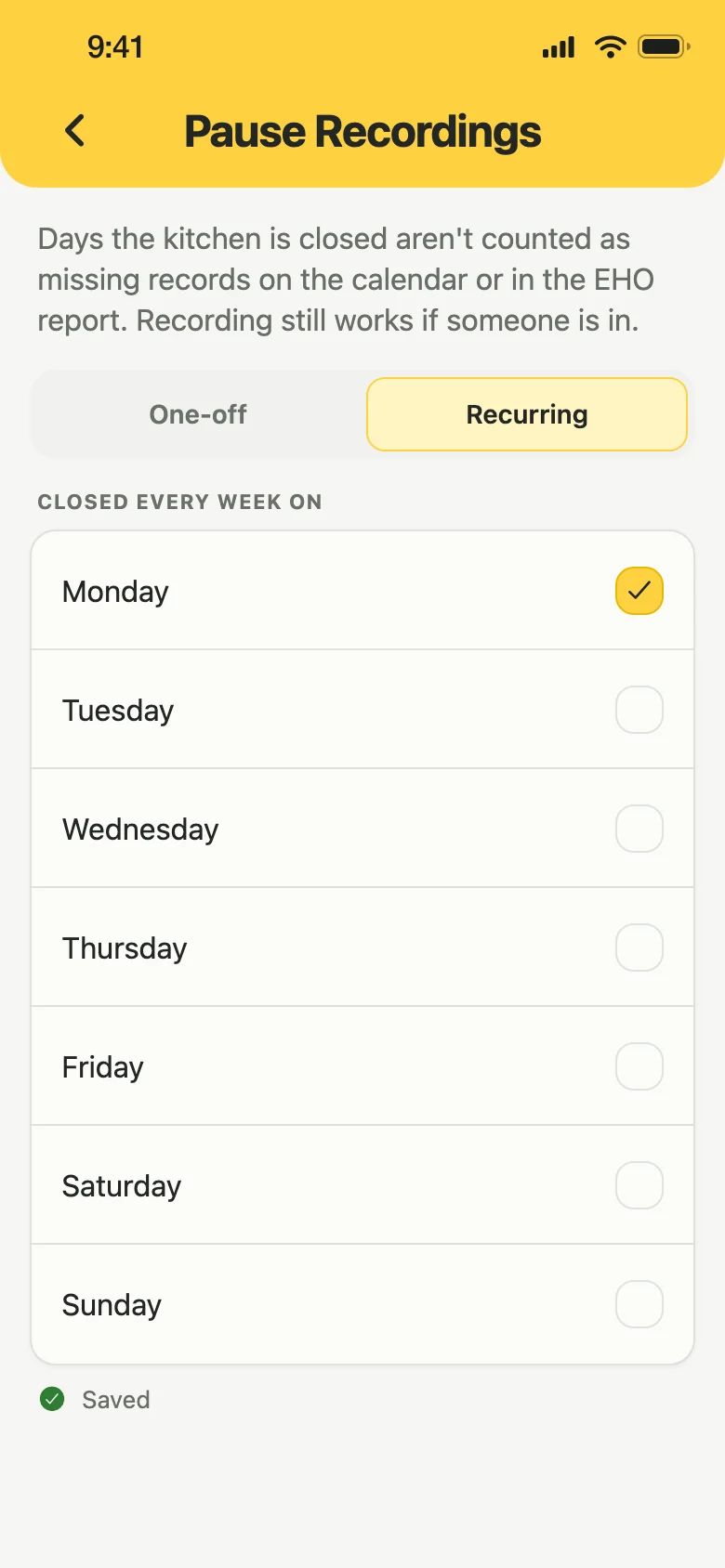
- For days you are always shut, stay on Recurring and tick each one. It saves as you tap.
- For a holiday or a refurbishment, tap One-off, choose the First day and Last day, and type a Reason, such as Annual holiday.
- Tap Add closure.
Those days now show as closed on the monthly overview instead of missing records, and the day itself says why it was closed.
Good to know
- Your exported report opens with a Closures section, so a gap in the records reads as explained. See Export a report.
- You can still record on a closed day, for example a fridge check on a day you came in to take a delivery.
- Reminders still go off on a closed day.
- Only owners and managers can add or remove closures. Staff can see them.
- Removing a closure puts the days back to how they were, so any missing records show again.