Your team
Invite your team
Invite staff and managers by email from Settings, so everyone records on their own phone and their name goes on every entry they make.
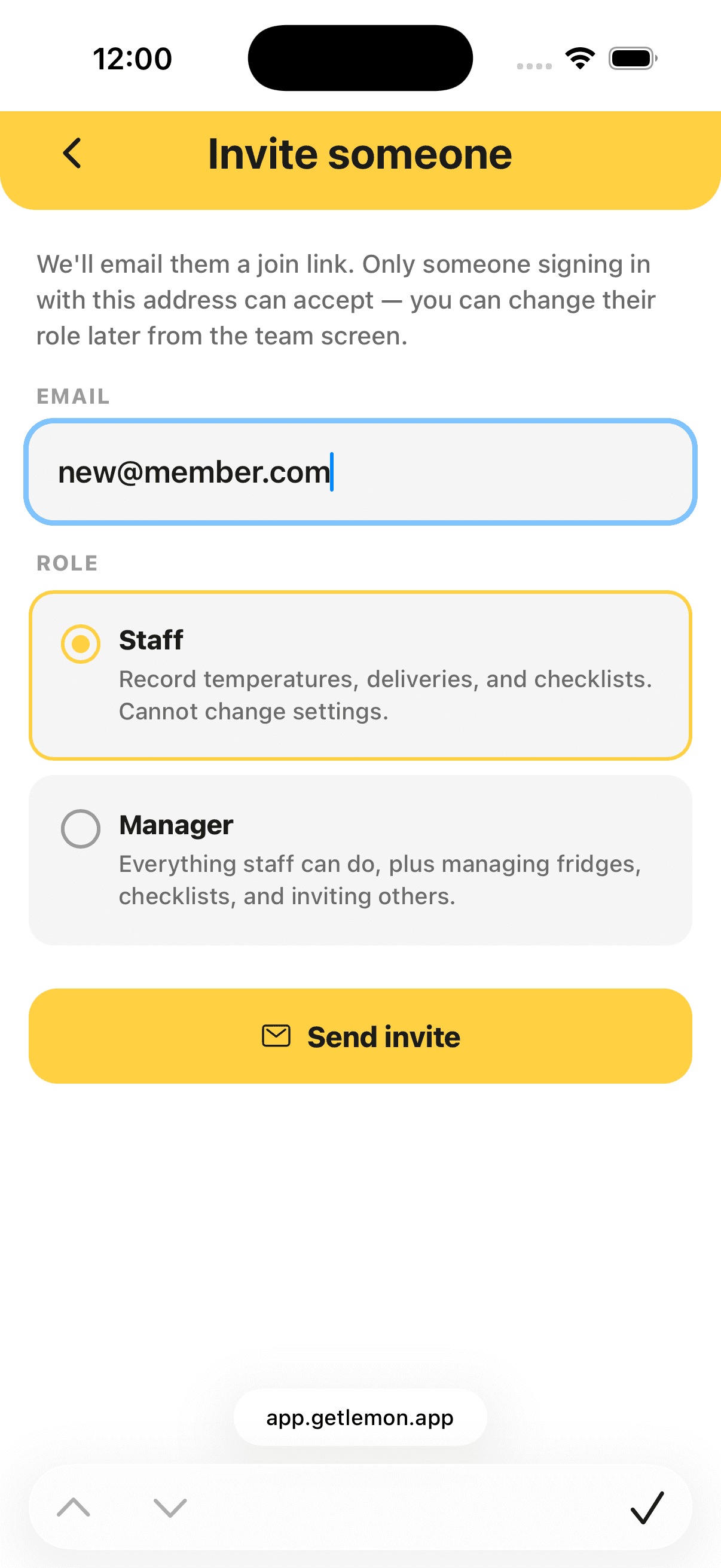
Steps
- Open Settings, then Team.
- Tap Invite someone.
- Enter their email address.
- Pick Staff or Manager.
- Tap Send invite.
Lemon emails them a link, and you can share the same link yourself. They set their own password and can start recording straight away.
Good to know
- The link lasts 7 days and works only for the address you invited.
- There is no charge per person. Invite as many people as you need: Lemon is priced per kitchen, not per user.
- Someone you invite appears under Settings → Team once they accept, with their role beside their name.
- Owners and managers can invite people; staff cannot. See Who can do what.
On an iPhone
The iPhone app is for signing in. Ask the person you invited to open the invite link on their iPhone and set their password there.
Updated