Skip to content
Product updates

Staff training and a new admin portal, now in Lemon

Food safety courses your team take on their phones, assigned and tracked from a new web admin. Which course is for whom, what you get, and how to start today.

Lemon Team
· 3 min read
Staff training and a new admin portal, now in Lemon

Staff training is now part of Lemon, with a web admin where you choose who takes which course and keep the records. There is nothing to buy and nothing to set up: it uses the account, the kitchens and the team you already have.

What your team gets

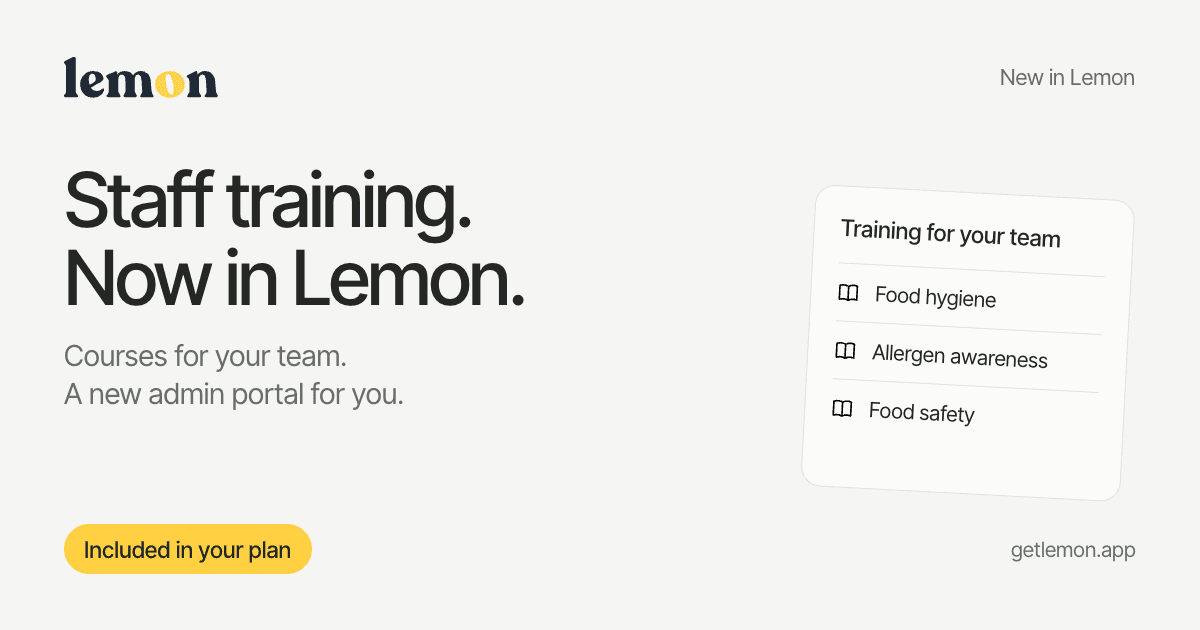
Three courses, built around the Food Standards Agency's Safer food, better business pack for England and Wales and Food Standards Scotland's CookSafe manual:

  • Food hygiene essentials, for food handlers. The everyday habits behind safe food, from storage and preparation to cleaning and personal hygiene.
  • Allergen awareness, for kitchen and front-of-house teams. Handle customer questions with care. Understand allergens, clear communication and preventing cross-contact.
  • Food safety management, for managers and supervisors. Put HACCP-based food safety into practice, with SFBB and CookSafe editions for your location.

Each course is a handful of short lessons with practice questions, then an assessment. Your team take it on their own phones, between shifts, and progress is saved as they go. Passing produces a completion certificate: a record of the course taken and the result, not an accredited qualification.

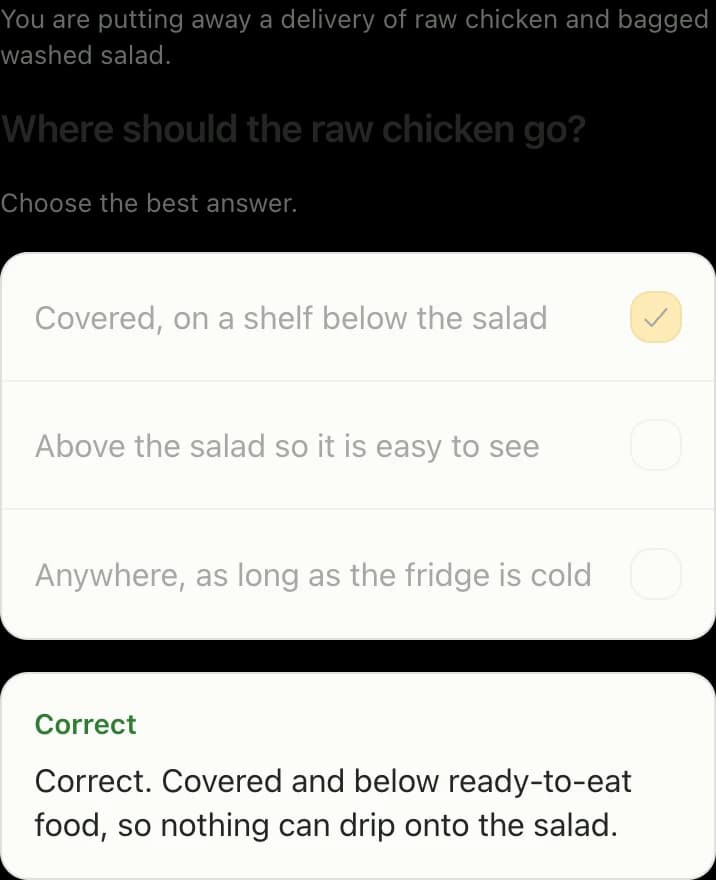
My training in the Lemon app: a food hygiene course due on 25 September with a Continue button, and a completed allergen awareness course marked Passed.

What you get

Open admin.getlemon.app with your Lemon login. Choose a course, tick the people who should take it and add a date to finish by if you want one. Records then shows who has not started, who is part way through, who has passed and who is overdue.

Each person's record keeps their certificates together with the workplace checks you add once you have watched them put a course into practice. When an inspector asks about staff training, the answer is in one place, and you can export it.

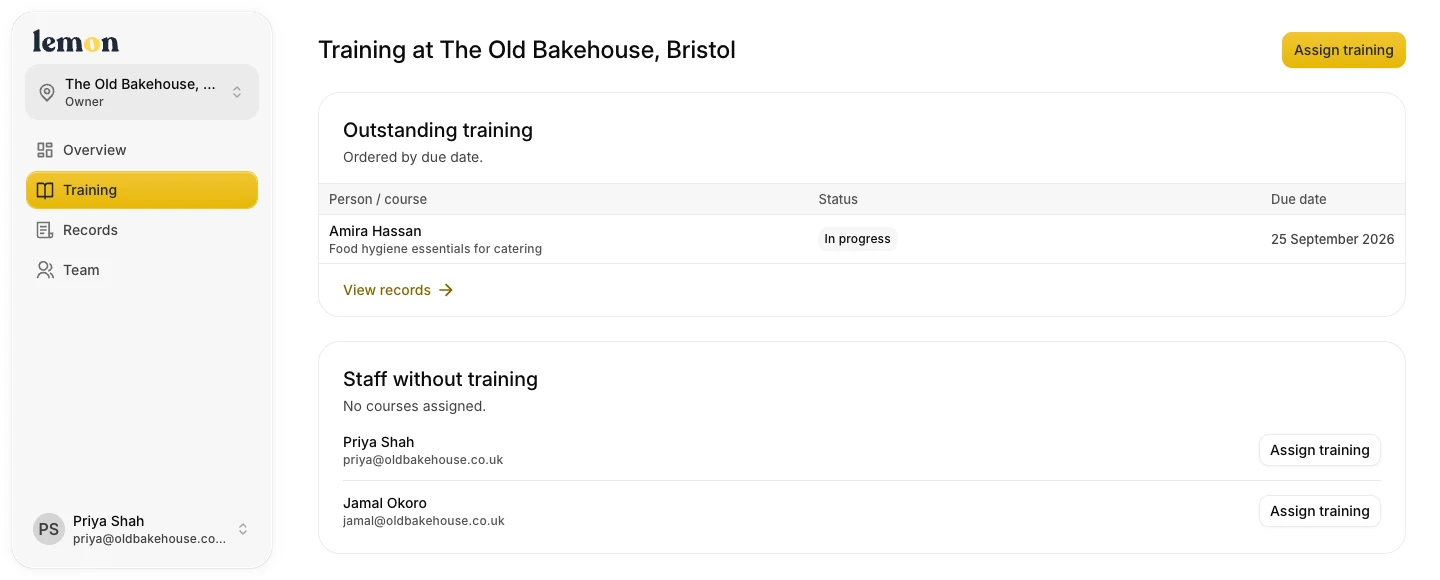
The Lemon web admin showing outstanding training, due dates and staff who still need a course assigned.
See who is still learning and who needs a course assigned.View full size

How to start today

  • Owners and managers: open admin.getlemon.app, sign in and select Assign training. The guide: Assign a course.
  • Your team: open the Lemon app and tap Training on the Today screen. Assigning a course does not send an email, so tell them it is waiting. The guide: Take a course.
  • Later: see who has passed and add workplace checks in Records. The guide: Check training progress.

Everything else, from the courses to certificates, is in the documentation under Staff training.

Included in your plan

Training is part of the one Lemon plan, £19 per location per month, with no fee per person or per course. The 14-day free trial includes it too.

Not using Lemon yet? Start your free trial and your first course can be assigned today.

Lemon Team
We are two ex-kitchen porters, a product designer and an engineer, building the tool we wish we had when we were running our own kitchens in Edinburgh.

Keep reading